Diwali Family Photo Prompts (2026): 8 Ideas for Parents, Kids & Grandparents
Getting the whole family into one good Diwali photo is hard: someone blinks, the lighting is off, the kids won’t sit still. These eight prompts start from any family photo you already have and turn it into a festive portrait everyone will want to share.
Each prompt tells the app to keep every person’s face and the number of people the same. Group photos are harder for AI than single portraits, so a sharp photo where everyone is clearly visible gives the best result.
How to use these prompts
- Tap Copy prompt under the look you like.
- Open Gemini, ChatGPT or Grok and upload a clear photo of your family.
- Paste the prompt and send it.
- Want a change? Reply with one small edit at a time, like “make the outfit deep maroon”.
8 Diwali family photo prompts
1. Family on the Decorated Doorstep

Use the uploaded family photo and keep every person’s face, age, skin tone and hairstyle exactly the same, with the same number of people. Create a warm Diwali portrait of the family standing together at their front door, decorated with a marigold toran, a rangoli at their feet and diyas on both sides. Everyone wears festive Indian clothes in coordinated maroon, gold and cream. The parents stand behind, the children in front, all smiling at the camera. Soft evening light mixed with diya glow, 35mm lens, vertical 4:5, photorealistic.
Tip: Say exactly how many people are in your photo, for example “five people”, to stop the app adding or removing anyone.
2. Lakshmi Pooja Together
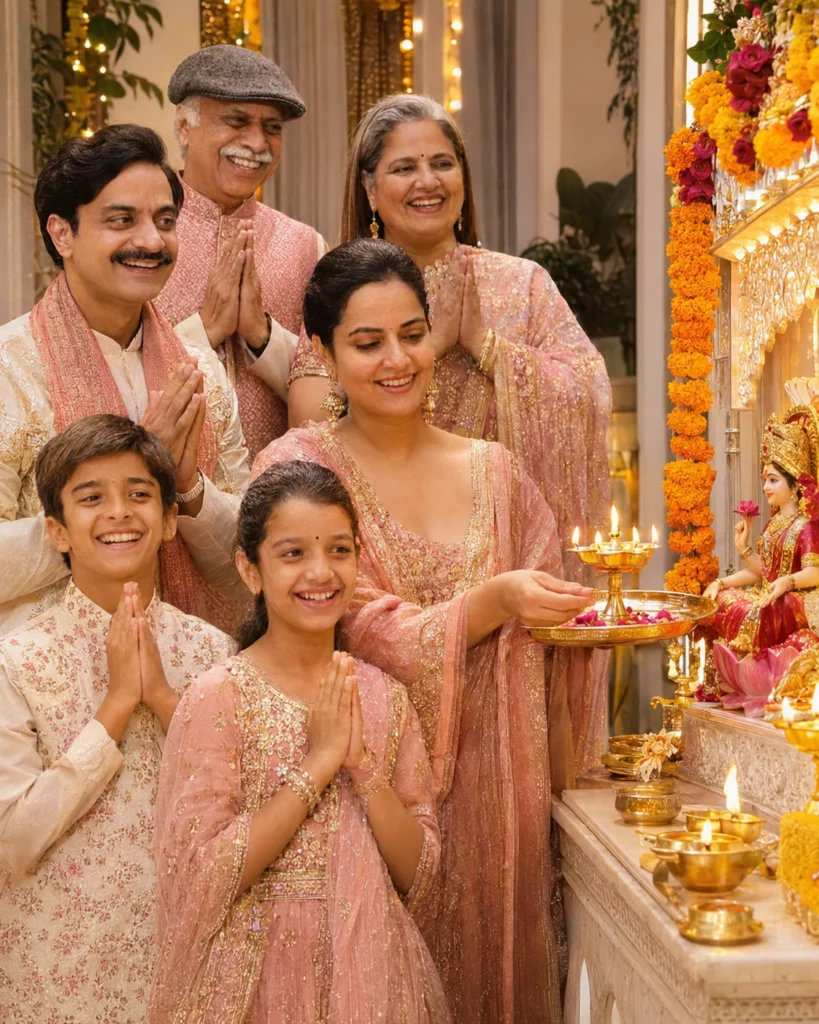
Keep every face from the uploaded family photo unchanged and keep the same people. Create a candid moment of the family doing Lakshmi pooja at home on Diwali night, gathered around a decorated pooja corner with flowers, lit diyas and a brass aarti thali. The mother holds the aarti lamp while the others fold their hands, children in front. Everyone wears traditional outfits in soft pink, gold and white. Warm, gentle light from the lamps, calm expressions, vertical 4:5, realistic and detailed.
Tip: For a brighter photo, add “room lights on, soft and even”.
3. Little One Lighting Diyas
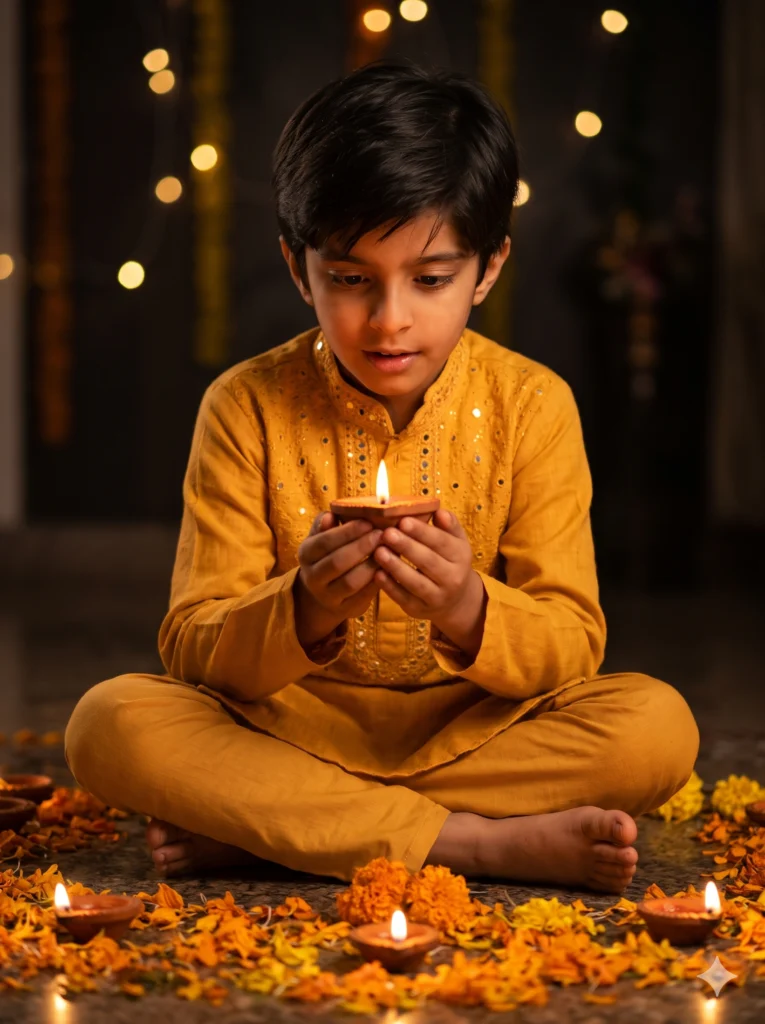
Keep the child’s face from the uploaded photo exactly the same. Create a sweet Diwali photo of the child sitting on the floor, carefully holding a lit clay diya with both hands, eyes wide with wonder, surrounded by more diyas and marigold petals. The child wears a small yellow kurta with tiny mirror work. Warm flame light on the face, dark background with soft fairy-light bokeh, 85mm lens, vertical 3:4, photorealistic and gentle.
Tip: Keep real candles and diyas away from small children; let the AI do the risky part.
4. Grandparents’ Blessing
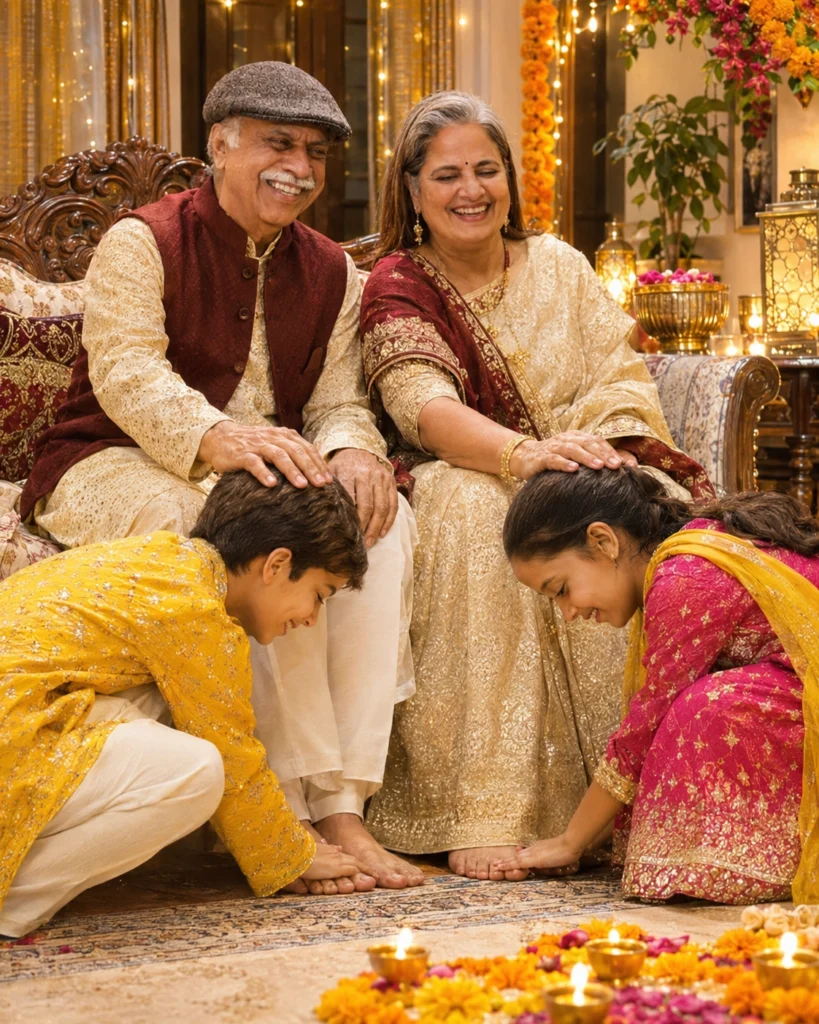
Use the uploaded photo and keep the faces of the grandparents and grandchildren exactly the same. Show the grandchildren bending to touch their grandparents’ feet on Diwali while the grandparents, seated on a carved wooden sofa, place their hands on the children’s heads in blessing. Grandparents in cream and maroon traditional clothes, children in bright festive outfits. A living room with diyas, flowers and fairy lights, warm emotional light, vertical 4:5, realistic.
Tip: Works with any two generations: change “grandparents” to “parents”.
5. Rooftop Fireworks Family

Keep every face and the number of people from the uploaded family photo unchanged. Create a joyful night photo of the family on their rooftop on Diwali, looking up and pointing at colourful fireworks, with the children holding sparklers. Everyone wears festive kurtas and sarees in bright colours. The fireworks light their faces in soft multicolour, and city lights glow far behind. Natural, candid moment, sharp faces, vertical 4:5, realistic.
Tip: Ask for “everyone facing the camera, fireworks behind” if you want all faces visible.
6. Making Rangoli Together
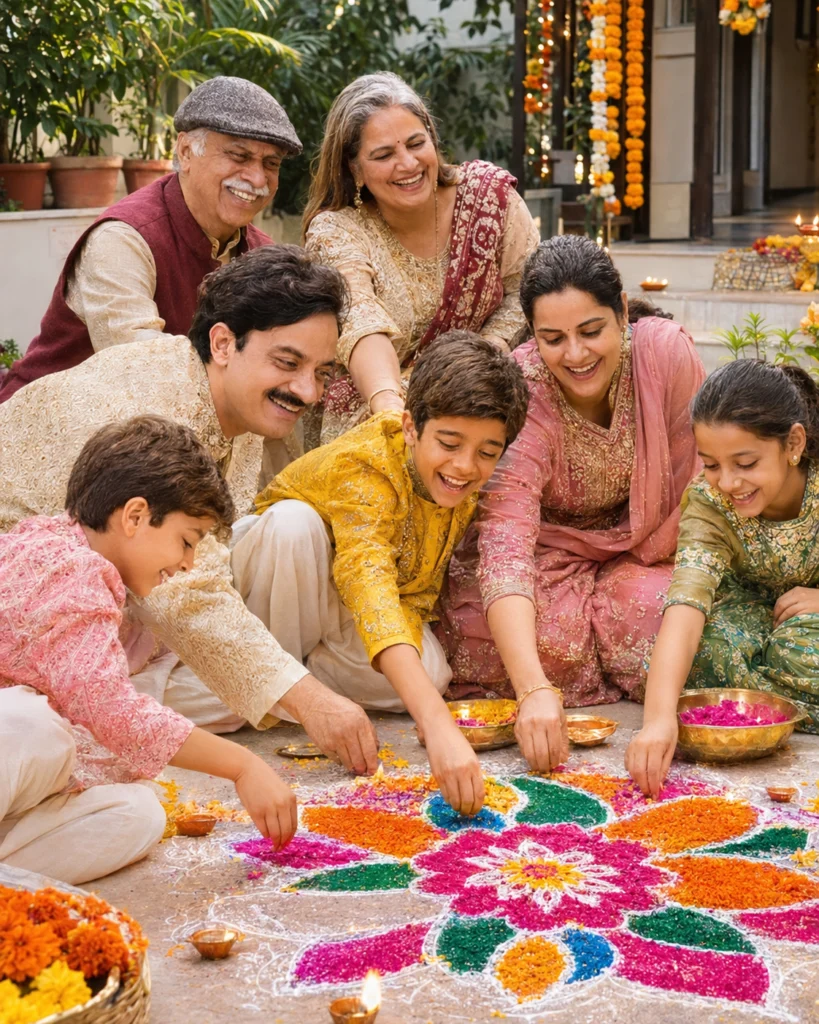
Keep all faces from the uploaded family photo exactly the same. Show the family kneeling around a large, half-finished rangoli on their courtyard floor on Diwali afternoon, each person adding colour by hand. Bright pink, orange, green and blue powders, marigold petals and diyas at the edges. Everyone wears comfortable festive clothes and is laughing and talking. Soft daylight, high detail on the colours, slightly high camera angle, vertical 4:5, realistic.
Tip: For an evening look, replace “afternoon” with “evening, diyas lit”.
7. Matching Outfit Family Portrait

Use the uploaded photo and keep each person’s face, age and height the same, with the same number of people. Create a formal Diwali family portrait in matching outfits: everyone in emerald green and gold, the women in silk sarees or lehengas, the men and boys in kurtas with gold Nehru jackets. They stand in a neat group in front of a wall covered with fairy lights and a marigold backdrop. Even, flattering light, everyone smiling, 50mm lens, vertical 4:5, sharp and photorealistic.
Tip: Pick one main colour and one accent colour for the best matching look.
8. Sweets Table Candid
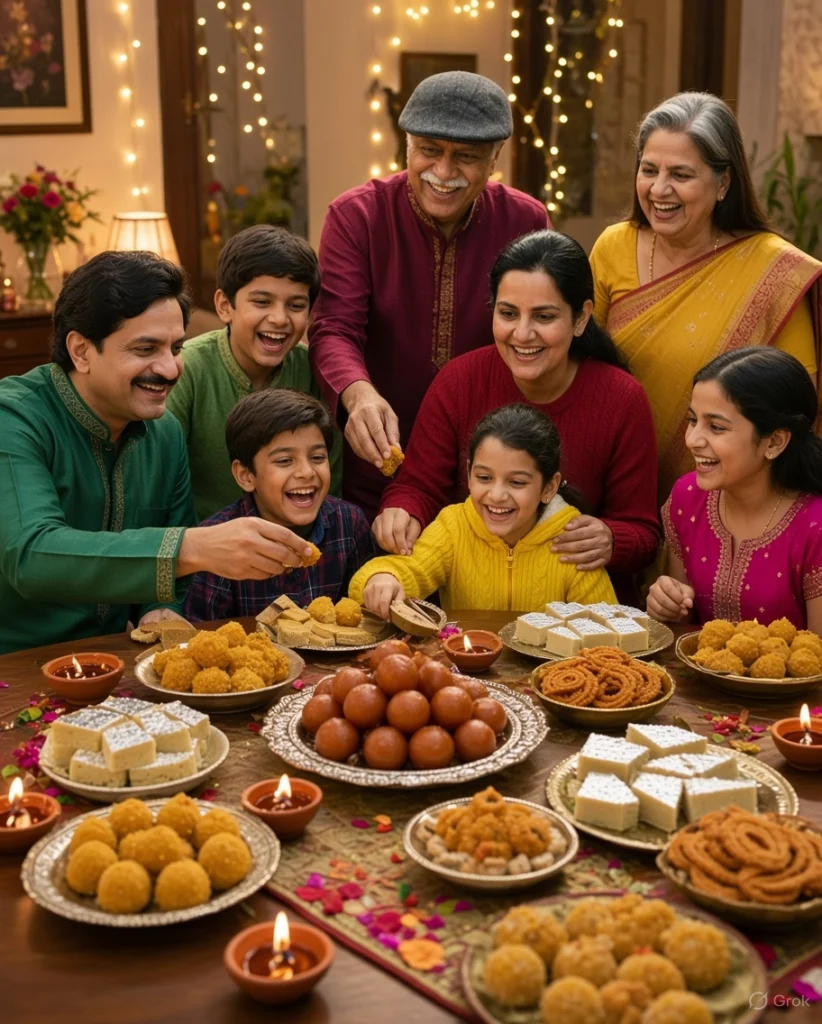
Keep every face from the uploaded family photo the same. Create a candid photo of the family gathered around a dining table full of Diwali sweets and snacks: ladoos, barfi, kaju katli, chakli and a big plate of gulab jamun. Some are reaching for sweets, the kids are laughing, the parents are serving. Festive clothes, fairy lights and diyas around the room. Warm, lively atmosphere, slightly wide angle, vertical 4:5, realistic.
Tip: Add your family’s favourite dish to make it feel like home.
Planning a Diwali family photo
Group photos need a little more direction than solo portraits.
Who stands where
Tell the app “grandparents seated in the centre, parents behind, children in front” for a tidy arrangement.
Matching family colours
Ask for everyone in shades of one colour, such as maroon and gold, for a coordinated look.
Keep the group small
AI apps keep faces most accurate with two to five people, so photograph each household separately if your family is large.
Tips for better results
- Choose a photo where every face is sharp and nobody is cut off at the edges.
- State the number of people in the prompt so nobody is added or removed.
- Group photos may take two or three tries; keep the best one and ask for small fixes.
- Ask for a horizontal 3:2 photo if you want to frame or print it.
Frequently asked questions
Why does the AI add or remove people?
Group photos are harder for AI. Write the exact number of people in the prompt and use a photo where everyone is clearly visible.
Can I combine family members from different photos?
Some apps accept several photos. Upload them and describe who goes where, but results vary more than with one group photo.
Are these prompts safe to use with photos of children?
Use them only with photos you have permission to use, and keep the images for your family. Avoid sharing children’s photos publicly if you are unsure.